
These Claude Code best practices will transform how you write software. Claude Code isn’t a chatbot that answers questions and waits — it’s an agentic coding environment that reads your files, runs commands, makes changes, and autonomously works through problems while you watch, redirect, or step away entirely. Instead of writing code and asking Claude to review it, you describe what you want and Claude figures out how to build it.
But there’s a catch. Most Claude Code best practices stem from one fundamental constraint: Claude’s context window fills up fast, and performance degrades as it fills. The context window holds your entire conversation — every message, every file read, every command output. Managing it effectively is the single most important skill you can develop. This guide covers nine essential practices drawn from Anthropic’s official documentation.
1. Give Claude a Way to Verify Its Work
Tip: Include tests, screenshots, or expected outputs so Claude can check itself. This is the single highest-leverage thing you can do.
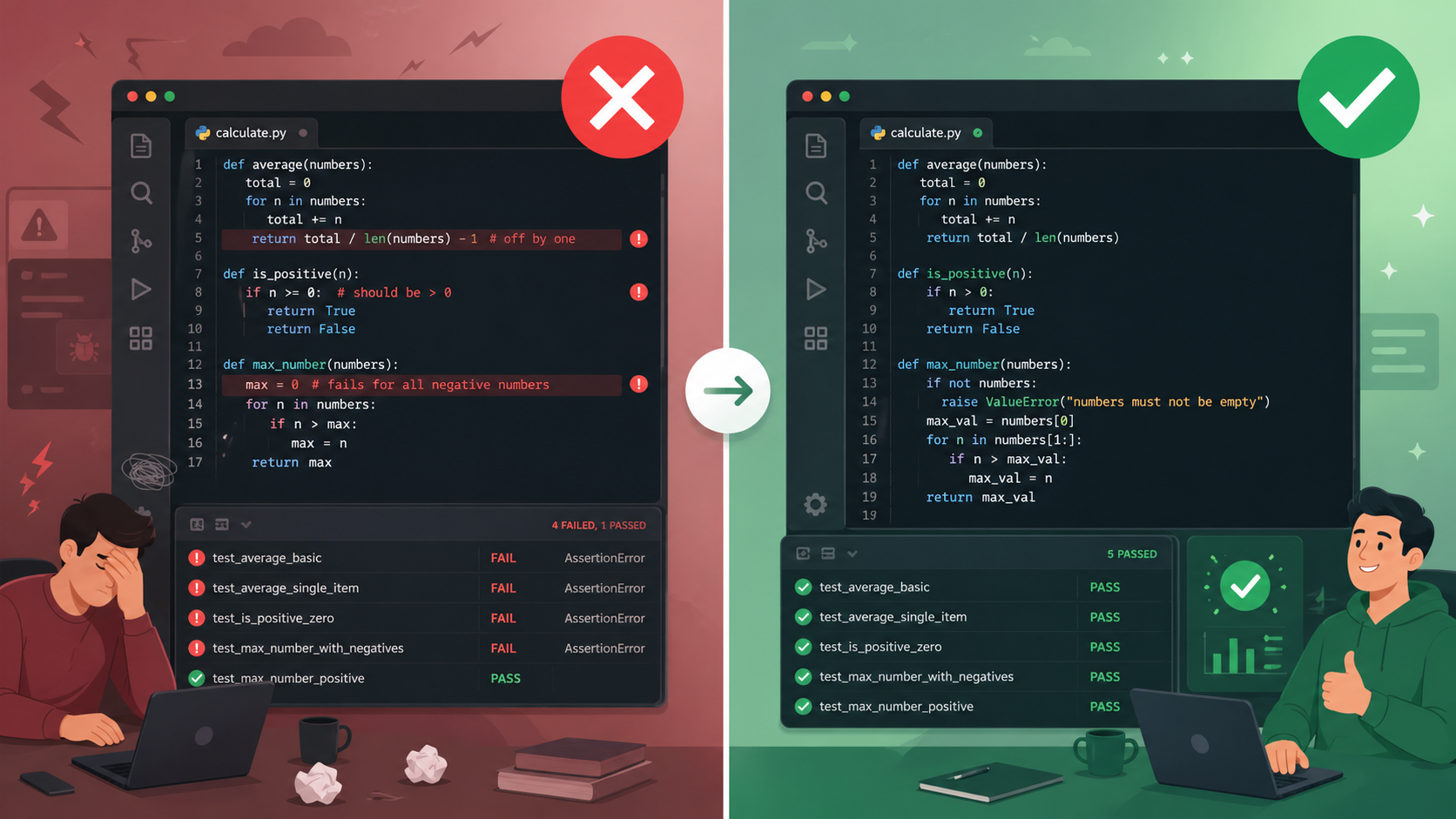
Claude performs dramatically better when it can verify its own work — running tests, comparing screenshots, and validating outputs. Without clear success criteria, it might produce something that looks right but doesn’t actually function correctly.
Consider the difference between these two prompts:
Weak: “Implement a function that validates email addresses.”
Strong: “Write a validateEmail function. Test cases: user@example.com returns true, invalid returns false, user@.com returns false. Run the tests after implementing.”
The strong version gives Claude built-in verification. It knows exactly what success looks like and can self-correct before you ever see the result. For UI work, paste a screenshot and tell Claude to compare its result to the original. Verification can also be a linter, a build command, or a Bash script. The key principle: invest in making your verification rock-solid, and Claude’s output quality follows. This is one of the most impactful Claude Code best practices you can adopt.
2. Explore First, Then Plan, Then Code
Tip: Separate research and planning from implementation to avoid solving the wrong problem.
Letting Claude jump straight to coding often produces code that solves the wrong problem. The recommended workflow has four phases:
Step 1 — Explore: Enter Plan Mode. Claude reads files and answers questions without making changes. Ask it to understand the relevant code, dependencies, and constraints.
read /src/auth and understand how we handle sessions and login.
also look at how we manage environment variables for secrets.
Step 2 — Plan: Ask Claude to create a detailed implementation plan. Press Ctrl+G to open the plan in your text editor for direct editing before Claude proceeds.
Step 3 — Implement: Switch back to Normal Mode and let Claude code, verifying against its plan.
Step 4 — Commit: Have Claude commit with a descriptive message and open a PR.
An important caveat: planning adds overhead. For small, clear-scoped tasks — fixing a typo, adding a log line, renaming a variable — skip the plan and ask Claude to do it directly. Planning is most valuable when you’re uncertain about the approach, the change spans multiple files, or you’re unfamiliar with the code being modified.
3. Provide Specific Context in Your Prompts
Tip: The more precise your instructions, the fewer corrections you’ll need.
Claude can infer intent, but it can’t read your mind. The quality gap between vague and specific prompts is enormous:
Vague: “Add tests for foo.py”
Specific: “Write a test for foo.py covering the edge case where the user is logged out. Avoid mocks.”
Vague: “Fix the login bug”
Specific: “Users report that login fails after session timeout. Check the auth flow in src/auth/, especially token refresh. Write a failing test that reproduces the issue, then fix it.”
Reference existing patterns in your codebase. If you’re asking for a new widget, point Claude to an existing one as an example. Use the @ symbol to reference files directly — Claude reads the file before responding. Paste images and screenshots directly into prompts. Give URLs for documentation. Pipe data with cat error.log | claude. The richer the input, the more accurate the output.
4. Configure Your Environment for Claude Code Best Practices
Tip: A few setup steps make Claude Code significantly more effective across all your sessions.
Write an Effective CLAUDE.md
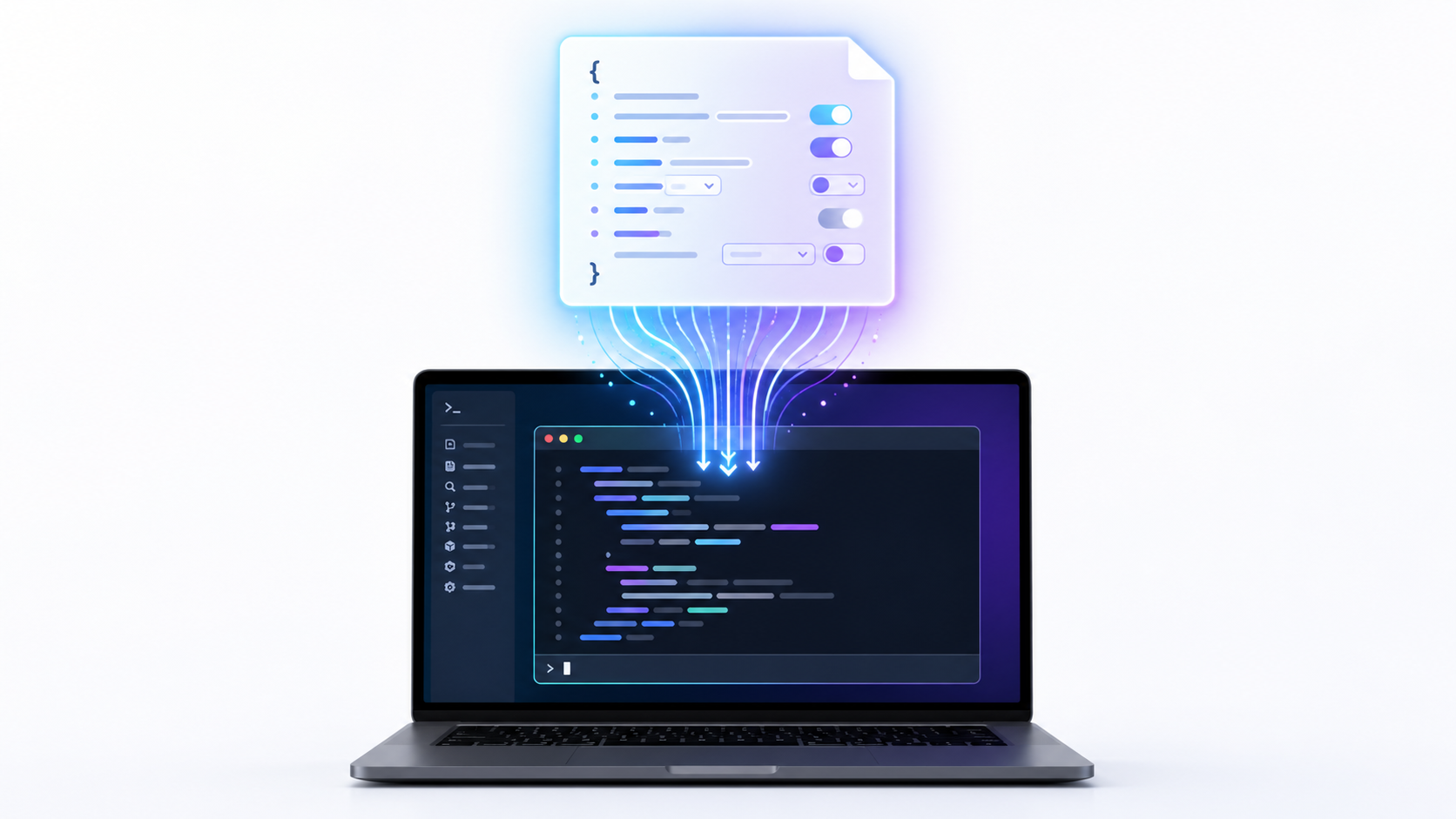
CLAUDE.md is a special file that Claude reads at the start of every conversation. Run /init to generate a starter based on your project structure, then refine over time. Include bash commands Claude can’t guess, code style rules that differ from defaults, testing instructions, repository etiquette, and developer environment quirks.
The critical guidance: keep it concise. For each line, ask “Would removing this cause Claude to make mistakes?” If not, cut it. Bloated CLAUDE.md files cause Claude to ignore your actual instructions.
# Code style
- Use ES modules (import/export) syntax, not CommonJS (require)
- Destructure imports when possible

# Workflow
- Be sure to typecheck when you're done making a series of code changes
- Prefer running single tests, not the whole test suite
Configure Permissions, CLI Tools, and Plugins
Reduce approval friction with Auto mode, permission allowlists, or sandboxing. Use CLI tools like gh, aws, and gcloud for context-efficient external service interaction. Connect MCP servers for tools like Notion, Figma, and databases. Set up hooks for deterministic automation, skills for reusable workflows, and plugins for bundled integrations.
5. Communicate Effectively with Claude Code
Tip: Ask Claude questions you’d ask a senior engineer — and let it interview you back.
When onboarding to a codebase, use Claude for exploration: “How does logging work?”, “What edge cases does this class handle?”, “Why does this code call foo() instead of bar()?” This dramatically improves ramp-up time and reduces load on other engineers.
For larger features, flip the dynamic — have Claude interview you. Start with a brief description and ask Claude to dig into technical implementation, UI/UX, edge cases, and tradeoffs. Once the spec is complete, start a fresh session to execute it with clean context focused entirely on implementation.
6. Manage Your Session
Tip: Course-correct early, manage context aggressively, and treat sessions like branches.

The best results come from tight feedback loops. Key controls: Esc stops Claude mid-action (context preserved), Esc + Esc or /rewind opens the rewind menu to restore previous states, and /clear resets context entirely.
A critical rule among Claude Code best practices: if you’ve corrected Claude more than twice on the same issue in one session, the context is cluttered with failed approaches. Run /clear and start fresh with a more specific prompt that incorporates what you learned. A clean session with a better prompt almost always outperforms a long session with accumulated corrections.
Use subagents for investigation — they explore in a separate context, keeping your main conversation clean. Use /btw for quick questions that appear in a dismissible overlay without entering conversation history. Treat sessions like branches with claude --continue and /rename.
7. Automate and Scale
Tip: Once you’re effective with one Claude, multiply your output with parallel sessions, non-interactive mode, and fan-out patterns.
Use claude -p 'prompt' for non-interactive execution in CI pipelines, pre-commit hooks, or scripts. Run multiple sessions in parallel with a writer/reviewer pattern — one Claude implements, another reviews with fresh context. For large-scale migrations, fan out across files with a loop:
for file in $(cat files.txt); do
  claude -p "Migrate $file from React to Vue. Return OK or FAIL." \
    --allowedTools "Edit,Bash(git commit *)"
done
8. Avoid Common Failure Patterns
Tip: Recognize these patterns early and you’ll save hours of frustration.
The Kitchen Sink Session: You start with one task, then ask something unrelated, and context fills with irrelevant information. Fix: /clear between unrelated tasks.
Correcting Over and Over: Claude gets it wrong, you correct, it’s still wrong. Context is polluted with failed approaches. Fix: After two failed corrections, /clear and write a better initial prompt.
The Over-Specified CLAUDE.md: Too many instructions means important rules get lost in the noise. Fix: Ruthlessly prune. If Claude already does something correctly without the instruction, delete it.
The Trust-Then-Verify Gap: Claude produces plausible code that doesn’t handle edge cases. Fix: Always provide verification — tests, scripts, screenshots. If you can’t verify it, don’t ship it.
The Infinite Exploration: You ask Claude to “investigate” without scoping. It reads hundreds of files, filling context. Fix: Scope investigations narrowly or use subagents.
9. Develop Your Intuition
These Claude Code best practices are starting points, not rigid rules. Sometimes you should let context accumulate because you’re deep in one complex problem and the history is valuable. Sometimes you should skip planning entirely because the task is exploratory.
Pay attention to what works. When Claude produces great output, notice what you did — the prompt structure, the context you provided, the mode you were in. When Claude struggles, ask why. Was the context too noisy? The prompt too vague? The task too big for one pass?
Over time, you’ll develop intuition that no guide can capture. You’ll know when to be specific and when to be open-ended, when to plan and when to explore, when to clear context and when to let it accumulate. That’s the real skill — not following rules, but knowing when to break them.
Ready to get started? Run /init in your project to generate a CLAUDE.md file, set up your permissions with /permissions, and start with the verification-first mindset. The compound effect of these practices transforms how you ship software. For more Claude Code best practices and developer insights, visit my blog or the official Claude Code documentation.
Get one practical AI workflow every week. No fluff. Just the systems, tools, and techniques that actually ship.