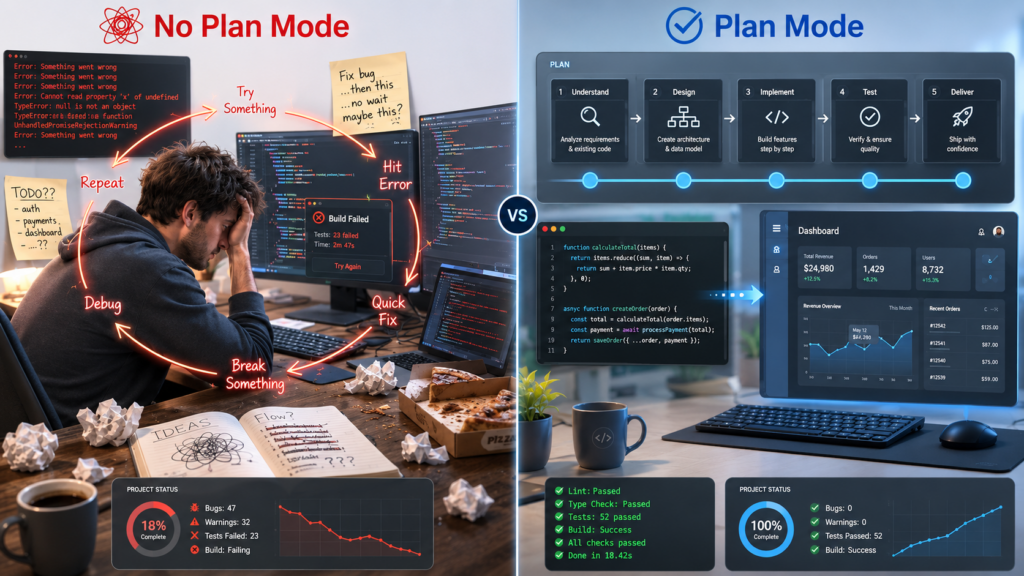
Claude Code plan mode is the most skipped feature in the tool. You open a session, type your request, and it starts building. Things look good for a minute. Then it makes a wrong turn. You correct it. It half-fixes the problem and introduces a new one. You push harder. Twenty minutes later, you’re in a worse place than when you started, with a conversation history full of failed attempts and a growing sense that this tool just doesn’t work.
Here’s the thing: the tool isn’t the problem. The habit is.
The Mistake Almost Everyone Makes
When most people start using Claude Code, they treat it like a smarter search bar. You describe what you want, you hit enter, and you wait for output. If it’s wrong, you tell it what’s wrong. If it’s still wrong, you tell it again. You keep pushing until it gets there, or until you give up.
This works, sometimes. For simple, well-defined tasks, it can be fine. But the moment you’re building something with multiple moving parts, that approach breaks down fast.
What you’re doing is handing a contractor a vague brief and asking them to start construction immediately. No blueprint. No agreed scope. No shared understanding of what “done” looks like. Then you’re surprised when they build the wrong thing.
Claude Code is extraordinarily capable. But it cannot read your mind. And if you start executing before you’ve aligned on the plan, you’re betting that your one-sentence prompt captured everything that matters. It almost never does.
What Claude Code Plan Mode Actually Is
Boris Cherny, the engineer who built Claude Code at Anthropic, starts nearly every complex session the same way: Claude Code plan mode.
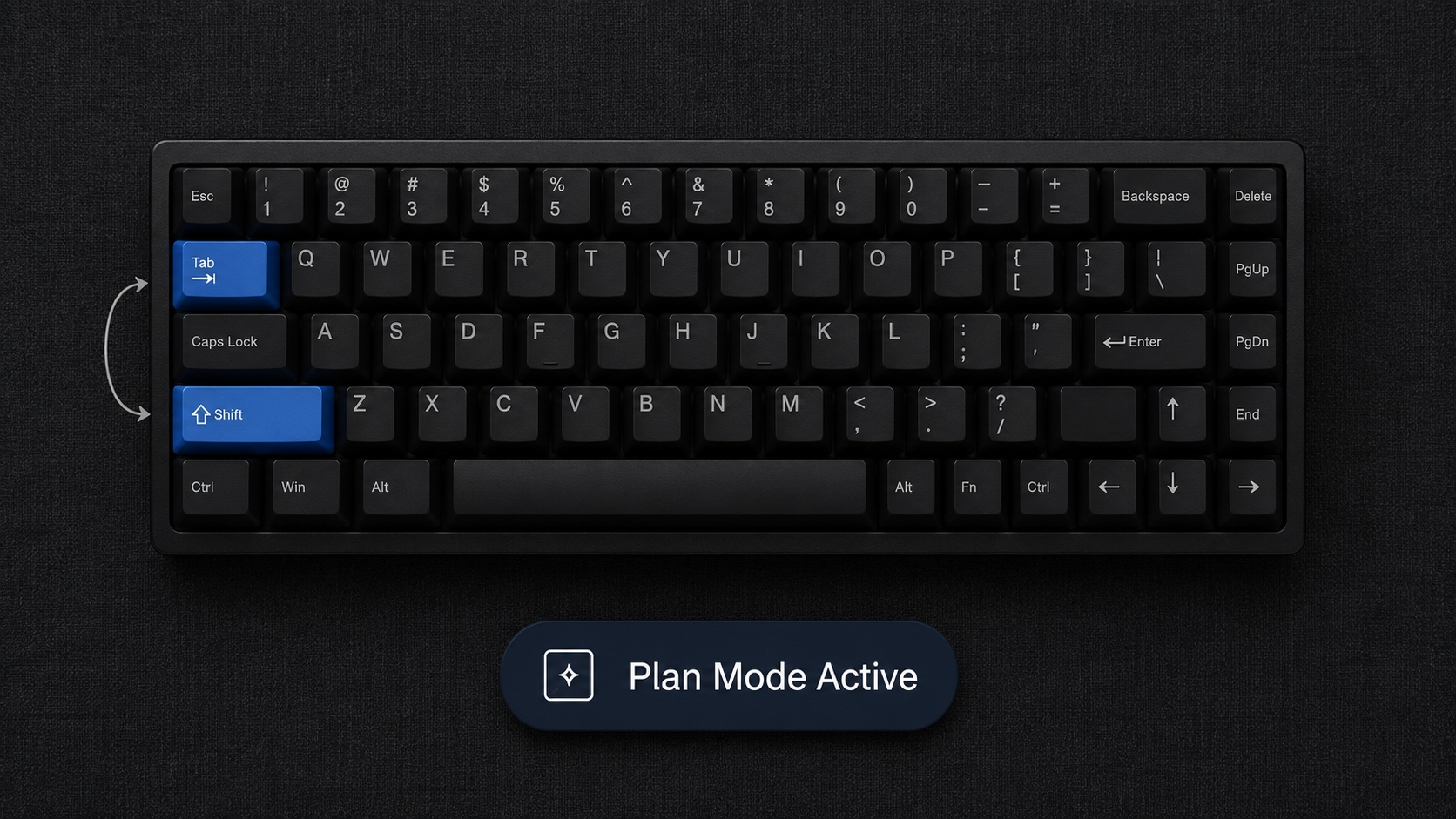
Here’s how it works. Before you type your request and hit enter, press shift+tab. Claude Code switches from execution mode into planning mode. Instead of immediately writing code or making changes, it thinks. It asks clarifying questions. It maps out what it’s going to do and why.
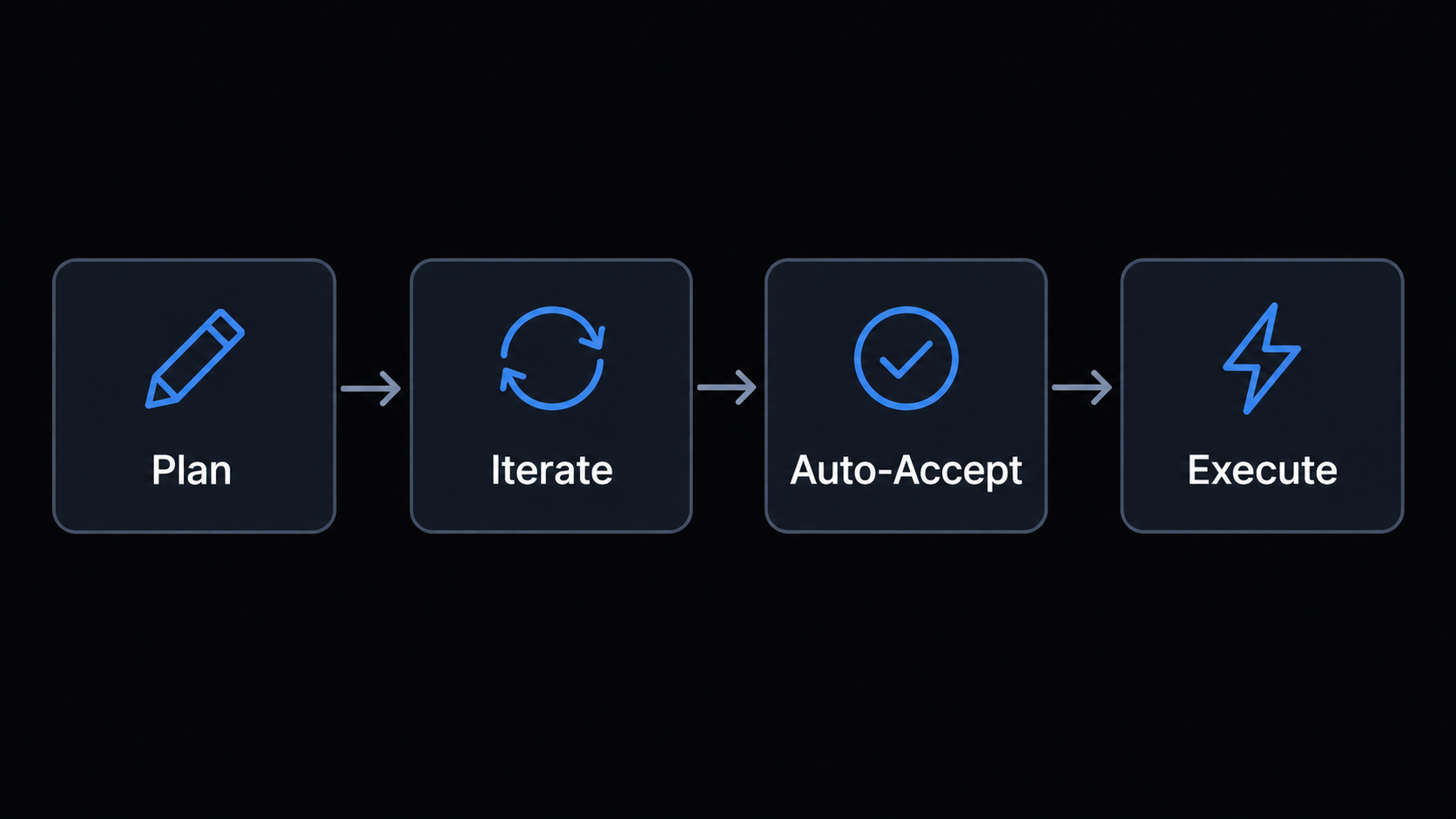
You then iterate on that plan together. You push back on assumptions. You add constraints it missed. You clarify what success looks like. When the plan is solid, you switch to auto-accept and let Claude execute.
Two keystrokes. Completely different outcome.
Boris puts it plainly: “A good plan is really important to avoid issues down the line.” That’s not advice to move slowly. It’s advice to front-load the thinking so the execution can be fast and clean. A session that starts with five minutes of planning and then runs in auto-accept is almost always faster, and far more reliable, than one that starts immediately and requires constant correction.
Boris’s Exact Workflow
The flow Boris uses looks like this: enter Claude Code plan mode, iterate on the plan until it’s solid, switch to auto-accept, let Claude execute. You can see his full workflow documented at howborisusesclaudecode.com.
Notice what’s missing: course-correction mid-execution. The goal of the planning phase is to make that unnecessary. When you’ve aligned on the approach upfront, Claude can work through the task from start to finish without you needing to intervene.
This is not always possible. Complex tasks have unknowns. Sometimes Claude hits something unexpected. But when things go sideways during execution, Boris’s advice is clear: “Don’t keep pushing when things go sideways, switch back to plan mode and re-plan.”
Stop. Back up. Re-enter plan mode. Figure out what changed or what was missed. Update the plan. Then execute again.
This is counterintuitive for most people. Your instinct when something breaks is to fix it inline. Keep pushing, keep correcting, get to the finish line. But every correction you make in the middle of a failing thread adds noise to the conversation. Claude has to reason through more context, more half-solutions, more failed attempts. Quality degrades. Things get messier.
Switching back to plan mode clears that. You’re starting the execution phase fresh, with a better plan, and without the accumulated weight of everything that went wrong.
The Rewind Move
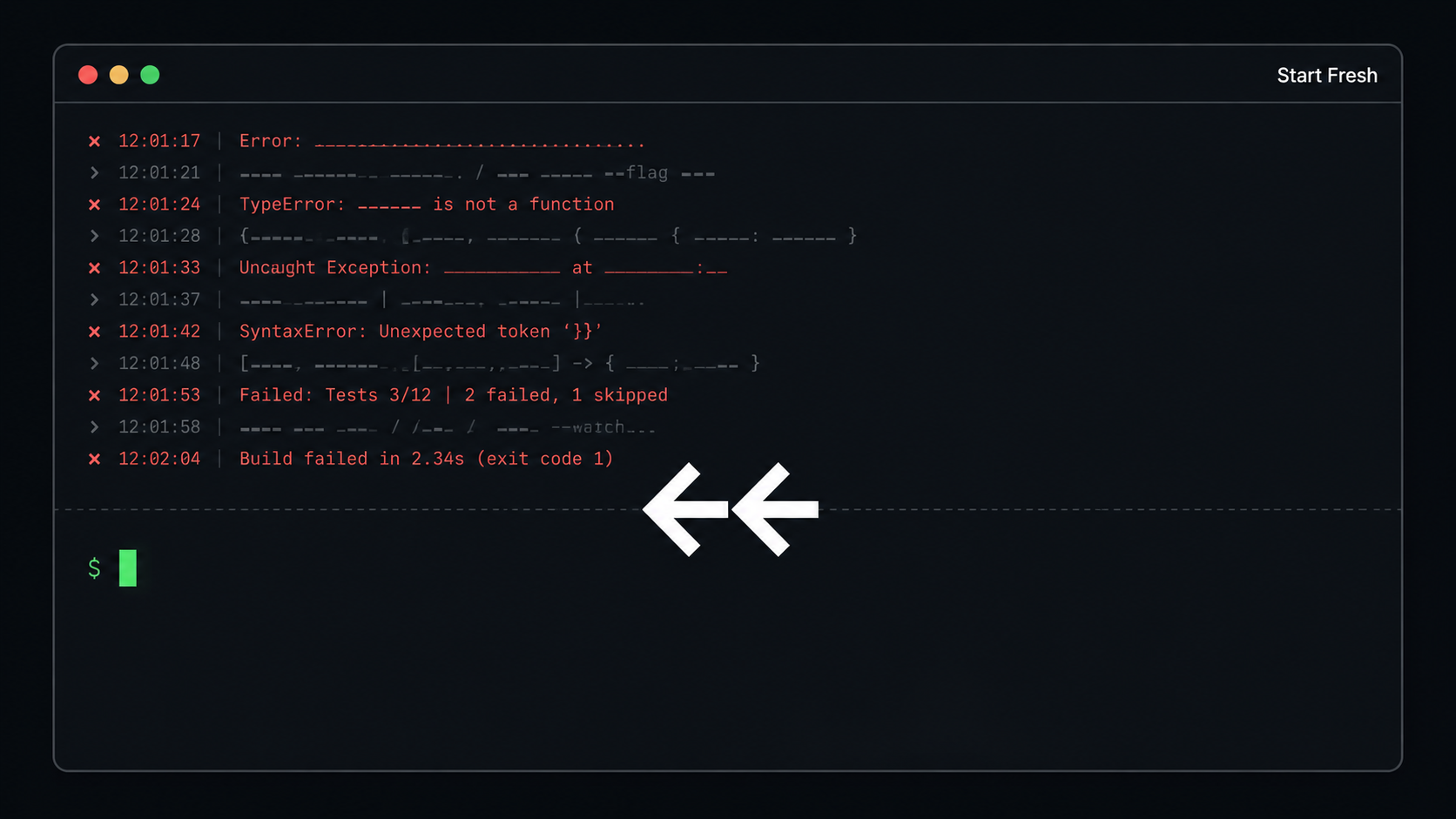
There’s a companion technique that pairs with this. When Claude goes off track and you know the current thread is unsalvageable, double-tap Esc.
This drops the failed attempt from the conversation history entirely. It’s gone. Claude doesn’t have to reason around it. You’re back to a clean state, ready to re-enter Claude Code plan mode and try again with a better approach.
Most people try to salvage bad threads. They spend more time correcting than they would have spent re-planning from scratch. The rewind move feels like giving up. It’s actually the faster path.
This pairs directly with what you already know from CLAUDE.md best practices: a clean, focused context produces better results than a cluttered one. The same principle applies mid-session. Drop the noise. Start fresh. Plan better.
The One Rule
If you take nothing else from this post, take this: press shift+tab before you type.
Every time. On every task that has more than one step. Before you describe what you want, before you paste in the code, before you explain the bug. Claude Code plan mode first.
You don’t have to spend long in planning mode. For small tasks, thirty seconds of alignment might be all it takes. For complex work, it might be five minutes. Either way, you’re buying reliability with time you would have spent debugging later, and the trade is almost always worth it.
Boris built Claude Code. He uses plan mode. That’s not a coincidence.
Try It on Your Next Task
The next time you open Claude Code, don’t type anything. Press shift+tab first. Let Claude ask you what you’re trying to build. Answer it. Push back if the plan doesn’t look right. When it does, switch to auto-accept and watch what happens.
One session is enough to see the difference. The question isn’t whether Claude Code plan mode works. It’s why you weren’t using it already.
If you want to go deeper on how Boris thinks about Claude Code, start with why he uses a 100-line CLAUDE.md while most developers write five times that. The same philosophy runs through everything he does: less noise, more signal, let the tool do what it’s built for.
What’s the first task you’re going to run through plan mode?